Scan anything
Automatic edge detection and perspective correction turn any photo — receipts, books, whiteboards, notes — into a crisp, enhanced document.
Docusy turns your iPhone & iPad into a powerful scanner — with OCR, receipt data extraction, on-device translation, and signing. Every document is processed privately, right on your device.
Free to download · iPhone & iPad · iOS 17+
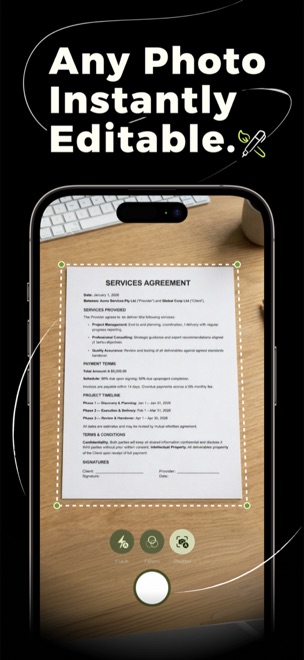
Automatic edge detection and perspective correction turn any photo — receipts, books, whiteboards, notes — into a crisp, enhanced document.
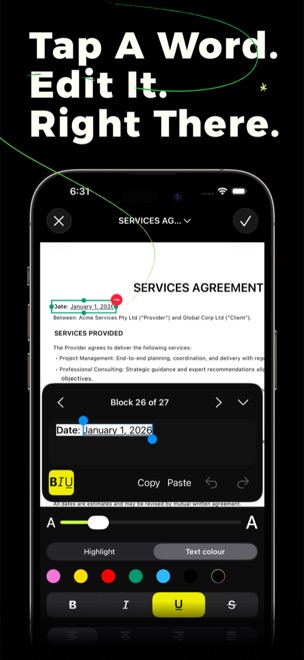
Extract text from any scan with on-device OCR. Tap any block to fix it, copy it, or search it — your scans become real, editable text.
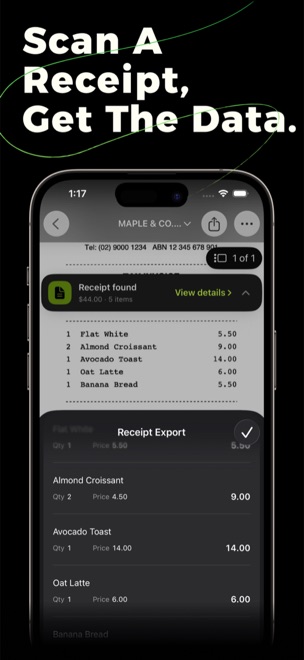
Scan a receipt and Docusy pulls out the merchant, date, totals and line items — ready to review and export as CSV.
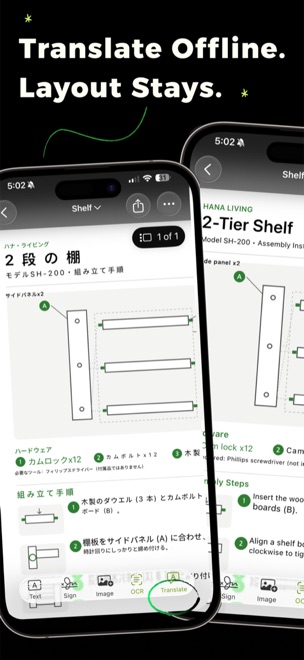
Translate a document’s text on-device and read it in place — the original layout stays exactly as it was. Works offline.
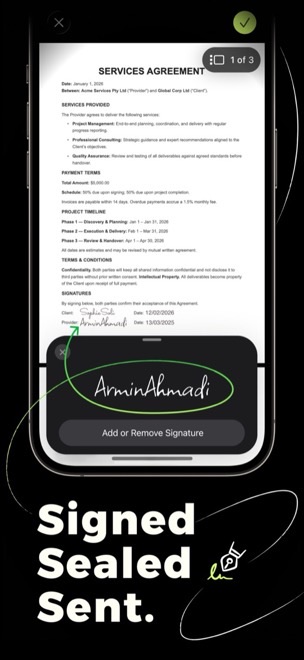
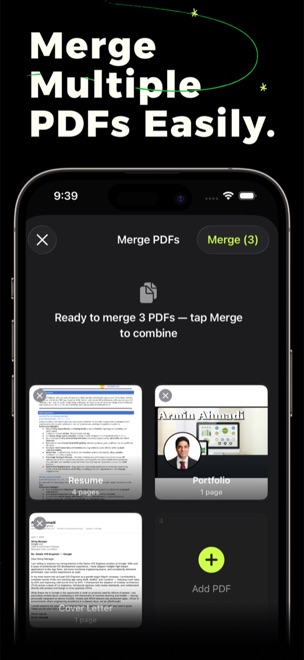
Add your signature, annotate, merge and reorder pages — then you’ve got a finished document, no desktop required.
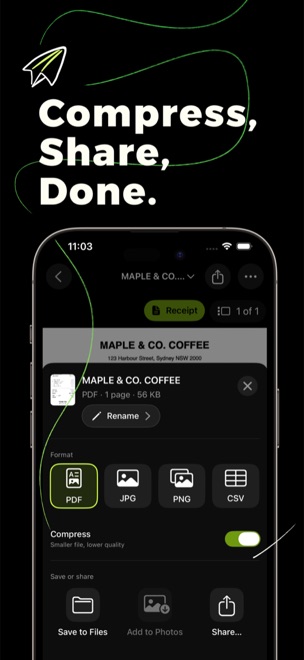
Save as PDF, JPG, PNG or CSV. Share, print, drop into Files or add to Photos — one tap.
Drag, swipe, or use the arrows — tap a screenshot to bring it front and centre.
Available on iPhone & iPad.